# Load packages ---------------------------------------------------------------

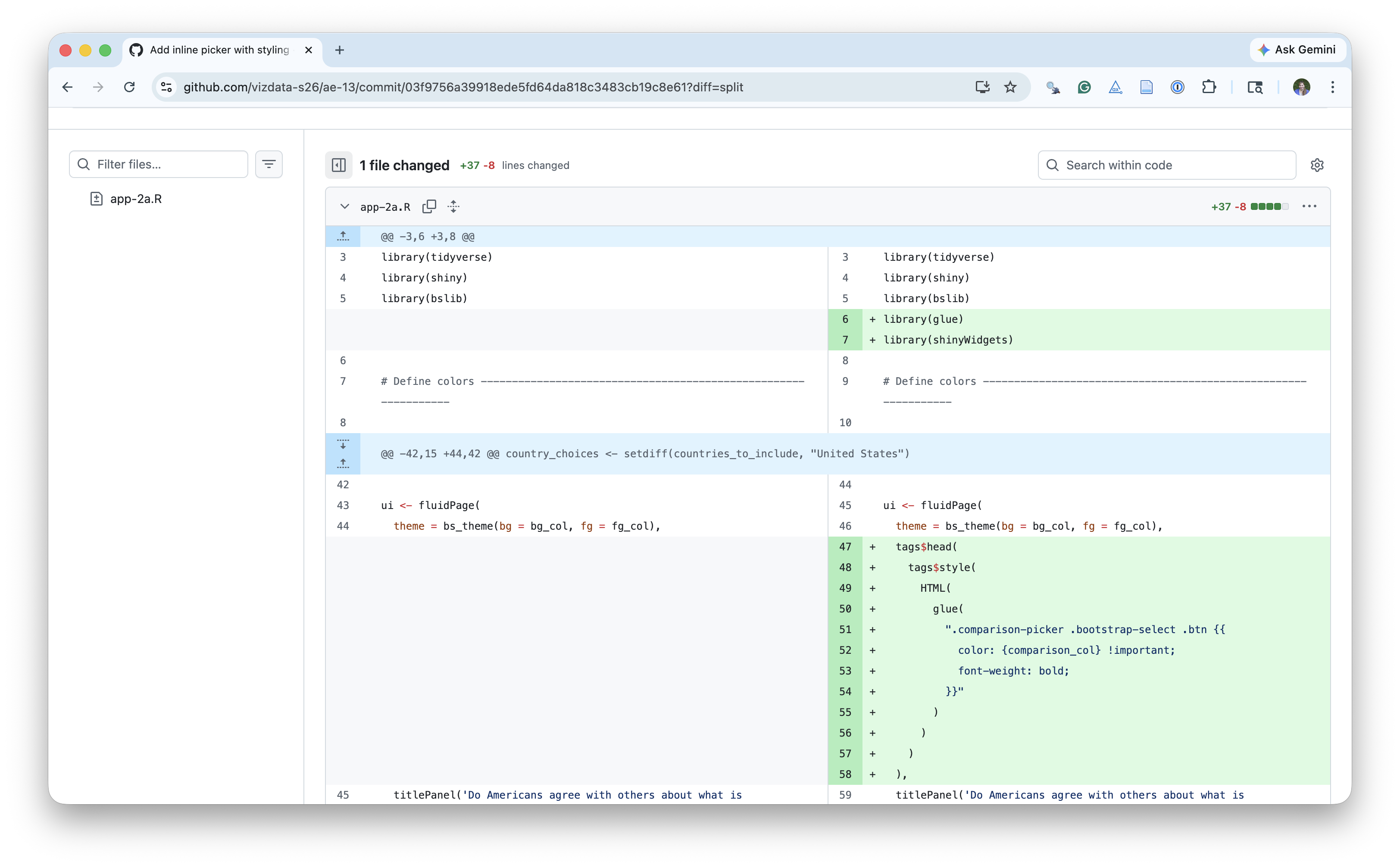
library(tidyverse)
library(shiny)
library(shinyWidgets)
library(bslib)
library(DT)
library(glue)

# Define colours --------------------------------------------------------------

bg_col <- "#FAFAFA"
fg_col <- "#000000"
highlight_col <- "#7f93b3"
comparison_col <- "#FA9161"

# Load data -------------------------------------------------------------------

absolute_judgements <- read_csv(
  "data/absolute-judgements-subset.csv"
)
respondent_metadata <- read_csv(
  "data/respondent-metadata-subset.csv"
)

# Prep data -------------------------------------------------------------------

countries_to_include <- respondent_metadata |>
  distinct(country_of_residence) |>
  pull()

# Set country choices ---------------------------------------------------------

country_choices <- setdiff(countries_to_include, "United States")

# UI --------------------------------------------------------------------------

ui <- fluidPage(
  theme = bs_theme(bg = bg_col, fg = "#000000"),
  tags$head(
    tags$style(
      HTML(
        glue(
          ".comparison-picker .bootstrap-select .btn {{
            color: {comparison_col} !important;
            font-weight: bold;
          }}"
        )
      )
    )
  ),
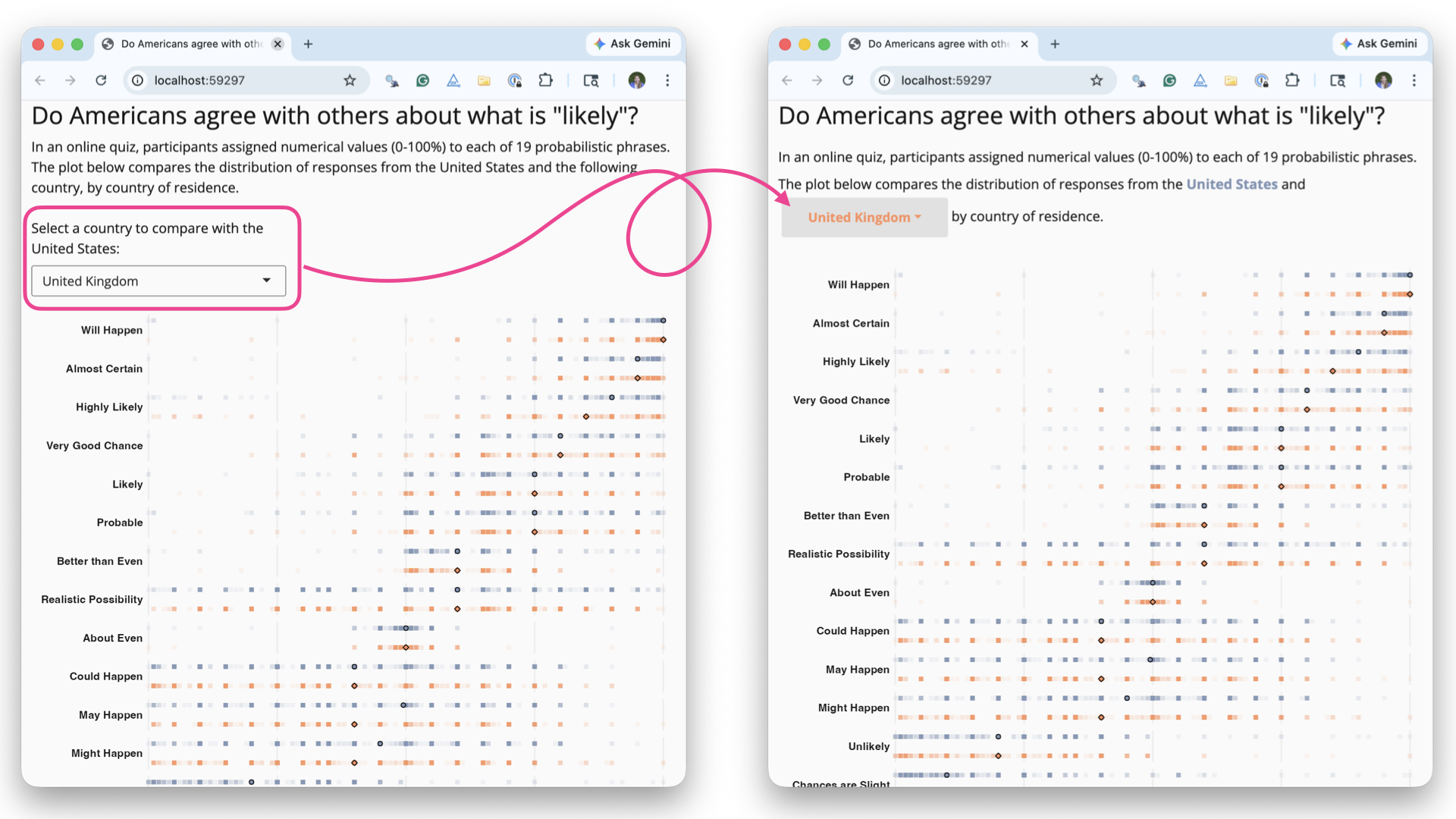
  titlePanel('Do Americans agree with others about what is "likely"?'),
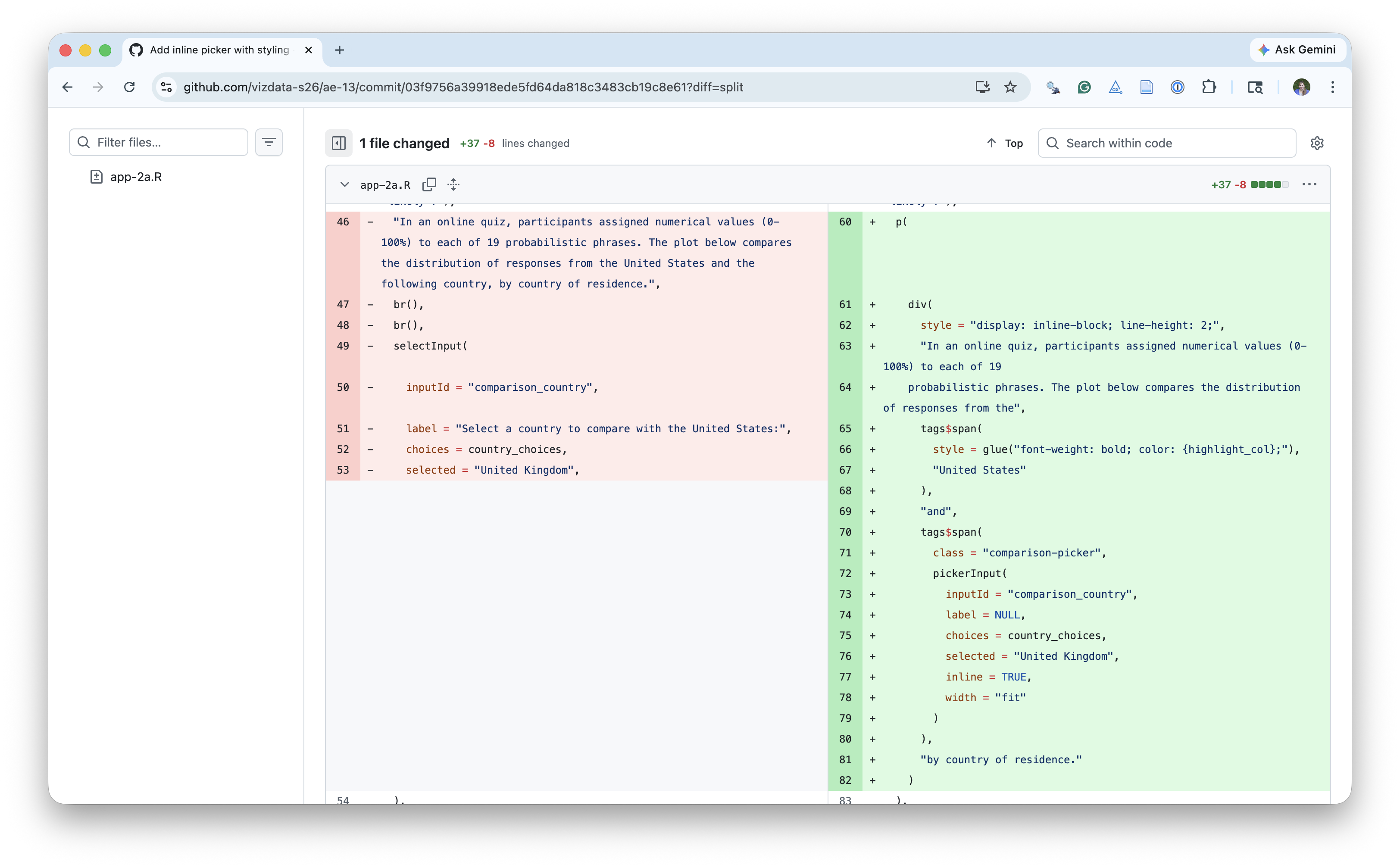
  p(
    div(
      style = "display: inline-block; line-height: 2;",
      "In an online quiz, participants assigned numerical values (0-100%) to each of 19
    probabilistic phrases. The plot below compares the distribution of responses from the",
      tags$span(
        style = glue("font-weight: bold; color: {highlight_col};"),
        "United States"
      ),
      "and",
      tags$span(
        class = "comparison-picker",
        pickerInput(
          inputId = "comparison_country",
          label = NULL,
          choices = country_choices,
          selected = "United Kingdom",
          inline = TRUE,
          width = "fit"
        )
      ),
      "by country of residence."
    )
  ),
  tabsetPanel(
    tabPanel(
      "Plot",
      plotOutput("prob_plot", height = "900px", brush = "brushed_points"),
      br(),
      uiOutput("note_text"),
      br(),
      br(),
      HTML(
        "<b>Source</b>: Kucharski AJ (2026) CAPphrase: Comparative and Absolute Probability ",
        "phrase dataset. DOI: <a href='https://doi.org/10.5281/zenodo.18750055'>10.5281/zenodo.18750055</a>."
      )
    ),
    tabPanel(
      "Data",
      br(),
      DTOutput("data_table")
    )
  )
)

# Server ----------------------------------------------------------------------

server <- function(input, output, session) {
  output$note_text <- renderUI({
    HTML(
      glue(
        "<b>Note</b>: Responses from participants outside of the United States and {input$comparison_country}, and from those who did not provide their country of residence, are excluded. Terms are ranked by overall median probability."
      )
    )
  })

  plot_data <- reactive({
    countries <- c("United States", input$comparison_country)

    term_ranks <- absolute_judgements |>
      left_join(respondent_metadata, by = "response_id") |>
      group_by(term) |>
      summarize(med_prob = median(probability)) |>
      arrange(desc(med_prob))

    absolute_judgements |>
      mutate(term = factor(term, levels = term_ranks$term)) |>
      left_join(respondent_metadata, by = "response_id") |>
      filter(country_of_residence %in% countries) |>
      drop_na(country_of_residence) |>
      mutate(y = if_else(country_of_residence == "United States", 0.5, -0.5))
  })

  summary_data <- reactive({
    plot_data() |>
      group_by(country_of_residence, term) |>
      summarize(med_prob = median(probability), .groups = "drop") |>
      mutate(y = if_else(country_of_residence == "United States", 0.5, -0.5))
  })

  output$data_table <- DT::renderDT({
    brushedPoints(
      plot_data() |> select(-c(timestamp)),
      input$brushed_points,
      panelvar1 = "term"
    )
  })

  output$prob_plot <- renderPlot({
    comp <- input$comparison_country

    ggplot() +
      geom_point(
        data = plot_data(),
        mapping = aes(
          x = probability,
          y = y,
          color = country_of_residence
        ),
        alpha = 0.1,
        shape = "square",
        size = 2
      ) +
      geom_point(
        data = summary_data(),
        mapping = aes(
          x = med_prob,
          y = y,
          fill = country_of_residence,
          shape = country_of_residence
        ),
        size = 2,
        alpha = 1
      ) +
      facet_wrap(~term, ncol = 1, strip.position = "left") +
      scale_color_manual(
        values = setNames(
          c(comparison_col, highlight_col),
          c(comp, "United States")
        )
      ) +
      scale_fill_manual(
        values = setNames(
          c(comparison_col, highlight_col),
          c(comp, "United States")
        )
      ) +
      scale_shape_manual(
        values = setNames(
          c("circle filled", "diamond filled"),
          c("United States", comp)
        )
      ) +
      scale_x_continuous(expand = expansion(0, 0)) +
      scale_y_continuous(limits = c(-0.75, 0.75)) +
      labs(
        x = "Probability (%)",
        y = NULL,
        color = NULL,
        fill = NULL,
        shape = NULL,
      ) +
      coord_cartesian(clip = "off") +
      theme_minimal(base_size = 16) +
      theme(
        legend.position = "none",
        plot.margin = margin(20, 15, 5, 5, "pt"),
        plot.background = element_rect(fill = bg_col),
        panel.background = element_rect(fill = bg_col, colour = bg_col),
        strip.text.y.left = element_text(
          face = "bold",
          angle = 0,
          hjust = 1
        ),
        axis.text.y = element_blank(),
        axis.title.x = element_text(hjust = 1),
        panel.grid.major.y = element_blank(),
        panel.grid.minor.y = element_blank(),
        panel.grid.minor = element_blank(),
      )
  })
}

shinyApp(ui, server)